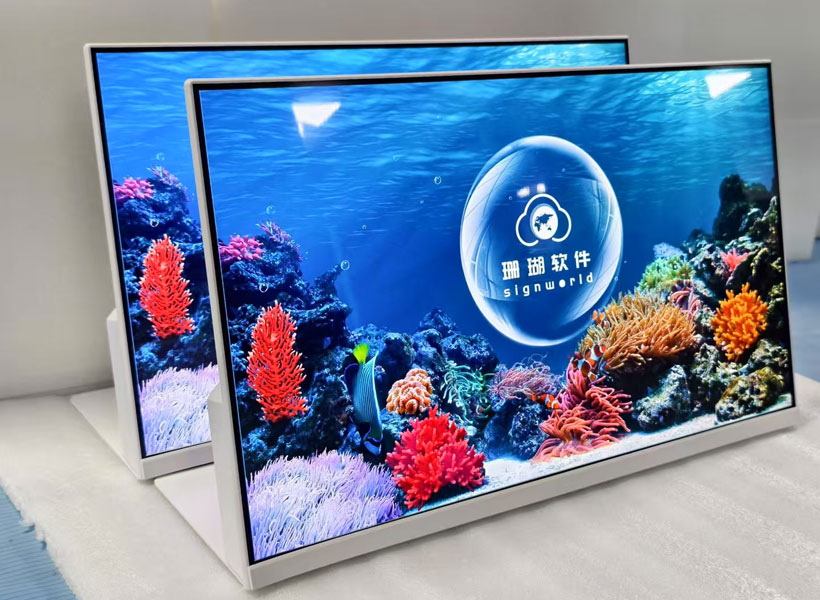
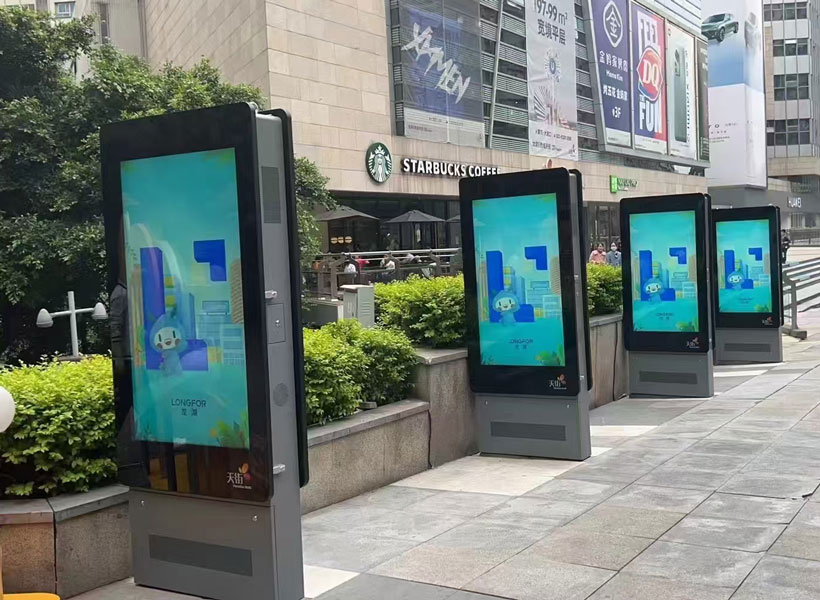
In today’s fast-paced retail environment, indoor event signage displayed on mall digital systems serves as a critical communication bridge between brands and visitors. Unlike static posters, digital displays can capture attention, convey dynamic information, and enhance the overall shopping experience. However, designing effective signage for these systems requires a deep understanding of visual psychology, technical constraints, and spatial dynamics. Whether you are promoting a seasonal sale, a live performance, or a pop?up exhibition, every pixel matters. Below, we explore essential design principles that ensure your indoor event signage not only stands out but also delivers clear, memorable messages.
1. Understanding the Context: The Mall Environment
Before diving into typography or color palettes, designers must acknowledge the unique characteristics of a shopping mall. High?traffic corridors, varied lighting conditions, and competing visual stimuli all influence how signage is perceived. For example, a display near an escalator may have only a few seconds to grab attention, while a screen in a food court can hold viewers for longer. Additionally, ambient light from storefronts and skylights can wash out colors or create glare. To counteract this, always test your designs under real mall lighting. Use high?contrast color combinations (such as dark text on a light background) and avoid subtle gradients that may be lost in bright environments. KTX GROUP LTD, a leading provider of integrated Digital Signage Solutions, emphasizes the importance of adaptive brightness and anti?glare screens in their hardware, ensuring that your carefully crafted visuals remain vivid from any angle.
1.1 Zone?Based Content Strategy
Divide the mall into zones—entrance, walkways, elevators, and waiting areas—and tailor your signage accordingly. For instance, at the main entrance, use larger text and minimal details to quickly announce the event name and date. In narrower corridors, opt for vertical layouts that match the screen orientation and avoid overwhelming passersby. By mapping content to physical zones, you create a natural flow of information that guides visitors without causing confusion.
2. Prioritizing Readability and Legibility
No matter how creative your design, if the text is hard to read, the message fails. For indoor event signage, where viewers may be walking or standing at varying distances, legibility is paramount. Begin with font selection: choose sans?serif typefaces (e.g., Helvetica, Montserrat, or Roboto) for their clean lines and uniform stroke width. Avoid script or decorative fonts that become blurry on digital screens. The minimum text size for a mall digital display should be at least 30–40 pixels for the main headline, with body text no smaller than 20 pixels—adjusted based on screen resolution and viewing distance. A useful rule of thumb: the largest element on screen should be readable from 10 meters away.
2.1 Contrast and Background Simplicity
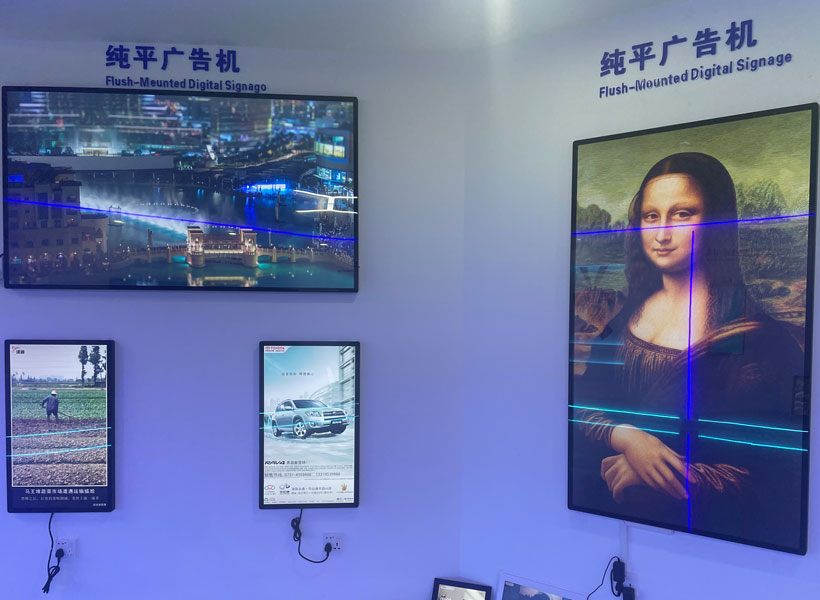
High contrast improves readability, but it also reduces eye strain. Use a dark background with white or bright text for dramatic impact, or a light background with dark text for a cleaner look. However, avoid pure white (FFFFFF) because it can appear harsh; a soft off?white (F2F2F2) works better. Backgrounds should be uncluttered—gradients are acceptable if subtle, but avoid heavy patterns that compete with text. When incorporating images or videos, ensure there is a clear separation from text using overlays or drop shadows.
3. Dynamic Content and Motion Design
One of the greatest advantages of digital signage is the ability to animate content. Yet, motion can quickly become distracting if misused. For indoor event signage, animations should serve a purpose: to draw attention to key information, to tell a story, or to create anticipation. For example, a countdown timer for a live event or a gentle bounce effect on the “Register Now” button can increase engagement. However, avoid rapid flashing, spinning, or parallax scrolling that may cause motion sickness or irritate viewers. A good practice is to limit animations to a maximum of 3–5 seconds before returning to a static or slow?moving state.
3.1 Content Rotation Timing
Since one screen often displays multiple event promotions, carefully plan the rotation schedule. Each piece of content should remain visible for at least 6–8 seconds to allow viewers to read it. For longer text or more complex information, extend to 10–12 seconds. Use subtle transitions like fade or slide (not flashy wipes) to avoid jarring jumps. KTX GROUP LTD’s content management systems offer automated scheduling that respects these timing guidelines, ensuring a seamless viewer experience across multiple screens.
4. Strategic Placement and Screen Orientation
Even the best?designed signage can fail if placed incorrectly. Work closely with mall management and digital installation teams to determine the optimal height and angle for each screen. Typically, the center of the display should be at eye level—approximately 1.5 to 1.7 meters from the floor for standing viewers. For screens above eye level (e.g., near ceiling?mounted installations), tilt the screen downward and use larger font sizes to compensate.
4.1 Multi?Screen Syncing
Many malls use walls of digital displays arranged in grids or linear arrays. When designing for such setups, treat the entire array as one canvas. For example, a single giant image can span across multiple screens for a dramatic event announcement. Alternatively, use synchronized timing so that all screens display the same content at the same moment, reinforcing the message. Beware of bezels (the frame edges between screens)—avoid placing critical text or faces across bezels, as they break continuity.
5. Brand Consistency and Visual Identity
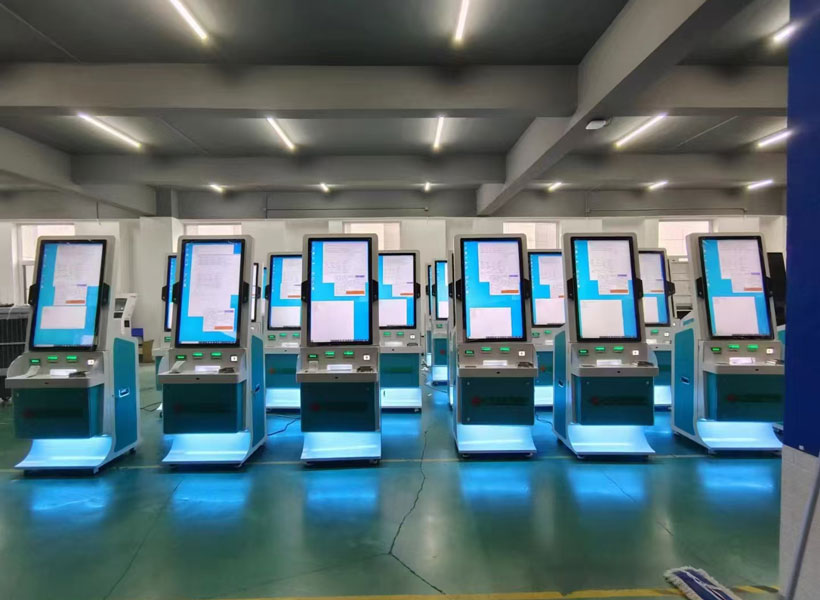
Every piece of event signage is an extension of the host brand (e.g., the mall itself, the event organizer, or a sponsor). Consistency in colors, typography, logos, and tone builds trust and recognition. Create a style guide for your digital signage that specifies the primary and secondary colors, acceptable font pairings, and logo placement. For indoor events, consider using the mall’s own color palette as a base, then adding accent colors from the event theme. KTX GROUP LTD recommends using vector?based graphics for logos to maintain crispness at any resolution, and embedding tracking pixels to measure engagement through their analytics dashboard.
5.1 Call?to?Action Integration
A clear call?to?action (CTA) is essential for converting interest into action. Whether it’s “Scan QR Code to Book,” “Visit Booth 12,” or “Show This Screen for 10% Off,” the CTA should be visually distinct—larger, bolder, and maybe using a contrasting color button. Place it in the lower third of the screen, the natural resting point for the human eye. Also, ensure that any QR code is large enough to be scanned from 1–2 meters away (at least 3 cm square on a typical 55?inch display).
6. Testing, Feedback, and Iteration
Even after following all design tips, real?world performance can vary. Mall environments change seasonally—holiday decorations, new store openings, and foot traffic patterns all affect how signage is noticed. Therefore, implement a testing phase before the official launch. Show your designs to a small group of mall visitors and gather feedback on clarity, attractiveness, and actionability. Use heatmaps or eye?tracking tools if available. KTX GROUP LTD’s solutions include A/B testing features, allowing you to compare two versions of the same signage and select the one that yields higher engagement.
6.1 Staying Updated with Trends
Digital signage technology evolves rapidly. From augmented reality overlays to interactive touchscreens, new possibilities emerge each year. While it’s not necessary to adopt every trend, staying informed helps your designs remain fresh and relevant. For indoor event signage, consider integrating live social media feeds (e.g., event hashtags) or weather?triggered content (e.g., showing “Rainy Day Special” when precipitation is forecast). Such dynamic personalization can significantly boost relevance.
In conclusion, designing effective indoor event signage for mall digital displays is a multifaceted discipline that combines art, science, and strategic thinking. By respecting the visual environment, prioritizing readability, using motion wisely, ensuring strategic placement, maintaining brand consistency, and continuously testing, you can create signage that not only informs but also delights. For organizations seeking a turnkey solution, KTX GROUP LTD offers a comprehensive suite of hardware, software, and design support tailored specifically for retail and event spaces. Their expertise in high?brightness panels, intelligent content scheduling, and real?time analytics makes them a trusted partner for malls aiming to elevate their digital communication. Whether you are planning a weekend pop?up or a month?long festival, these key design tips will guide you toward impactful, audience?focused signage that drives both excitement and results.